
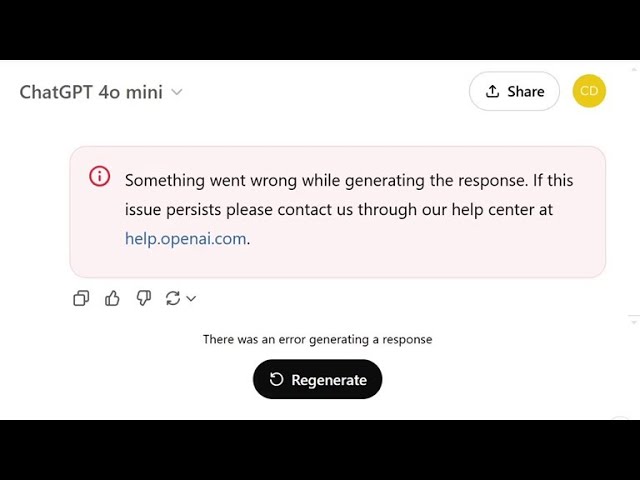
The fix something went wrong ChatGPT error has become one of the most reported issues among users of ChatGPT in 2026. This message often appears unexpectedly, interrupting conversations, workflows, and important tasks.
As artificial intelligence tools continue to grow globally, technical issues like this are becoming more visible. However, in most cases, this error can be resolved quickly with a few simple steps.
🖼️ Example of the error on screen
This is the typical message users see when the issue occurs. It usually appears without warning and does not clearly explain the cause.
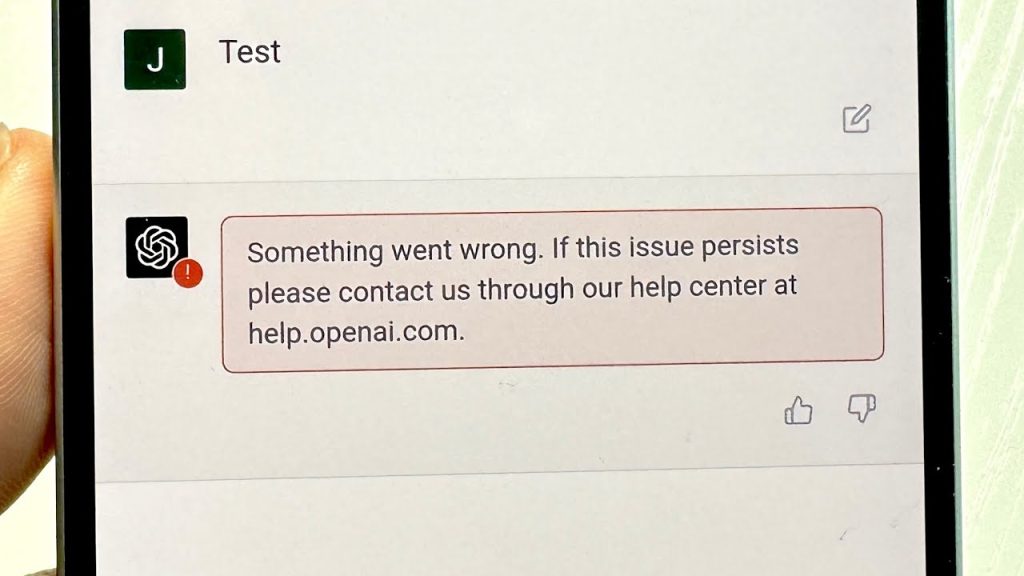
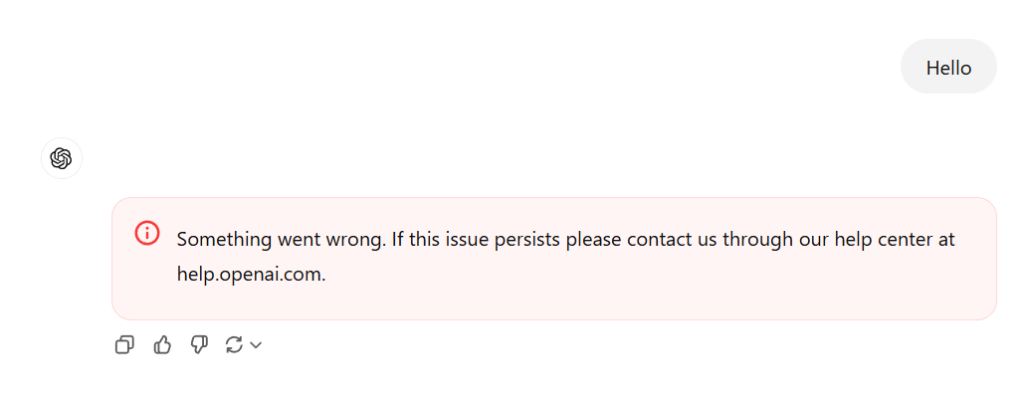
🔍 Why does the “Something went wrong” error appear in ChatGPT?
The fix something went wrong ChatGPT message is a generic error that can be triggered by different factors. It does not point to a single issue, which makes troubleshooting more challenging.
🔸 Server overload
When the platform experiences high traffic, servers may temporarily fail to process requests.
🔸 Internet connection issues
A weak or unstable connection can interrupt communication with the system.
🔸 Corrupted cache and cookies
Stored browser data may conflict with the proper loading of the platform.
🔸 Extensions or VPN interference
Some browser extensions or VPN services can interfere with how the platform operates.
⚙️ How to fix something went wrong ChatGPT step by step
Fixing the fix something went wrong ChatGPT error does not require advanced technical skills. Below are the most effective solutions used by users worldwide.
🔄 1. Refresh the page
Reloading the page can resolve temporary glitches instantly.
🌐 2. Check your internet connection
Make sure your connection is stable. Switching networks or restarting your router may help.
🧹 3. Clear cache and cookies
Clearing stored browser data can eliminate conflicts.
Steps:
- Go to browser settings
- Clear cache and cookies
- Restart your browser
🔐 4. Log out and log back in
Re-authenticating your account can fix session-related issues.
🧪 5. Use incognito mode
Opening ChatGPT in incognito mode helps identify extension-related problems.
🔄 6. Try another browser or device
Switching environments can help determine if the issue is device-specific.
⏳ 7. Wait a few minutes
If the issue is server-related, it usually resolves on its own shortly.
🧠 Alternative solutions if the error persists
If the problem continues after trying all fixes, consider these options:
🔹 Use a VPN
In some regions, changing your virtual location may improve access.
🔹 Try a different device
This helps rule out local technical problems.
📊 The impact of this error on AI usage
The increase in issues like fix something went wrong ChatGPT reflects the rapid growth of artificial intelligence adoption worldwide.
Millions of users now rely on AI tools daily for:
- Content creation
- Business automation
- Education and research
- Digital marketing
As demand rises, occasional service disruptions are expected.
🚀 How to prevent this error in the future
To reduce the chances of encountering the fix something went wrong ChatGPT error, follow these best practices:
- Keep your browser updated
- Avoid multiple simultaneous sessions
- Disable unnecessary extensions
- Check platform status before use
🏁 Conclusion
The fix something went wrong ChatGPT error can be frustrating, but it is usually easy to resolve. Simple actions like refreshing the page, clearing cache, or checking your connection can restore access within minutes.
As AI technology continues to evolve, these issues are expected to decrease. Until then, knowing how to fix them ensures uninterrupted productivity.